


The launch is intended to provide greater convenience for OCI cardholders by reducing the need to carry the physical booklet during travel while offering a secure digital alternative.
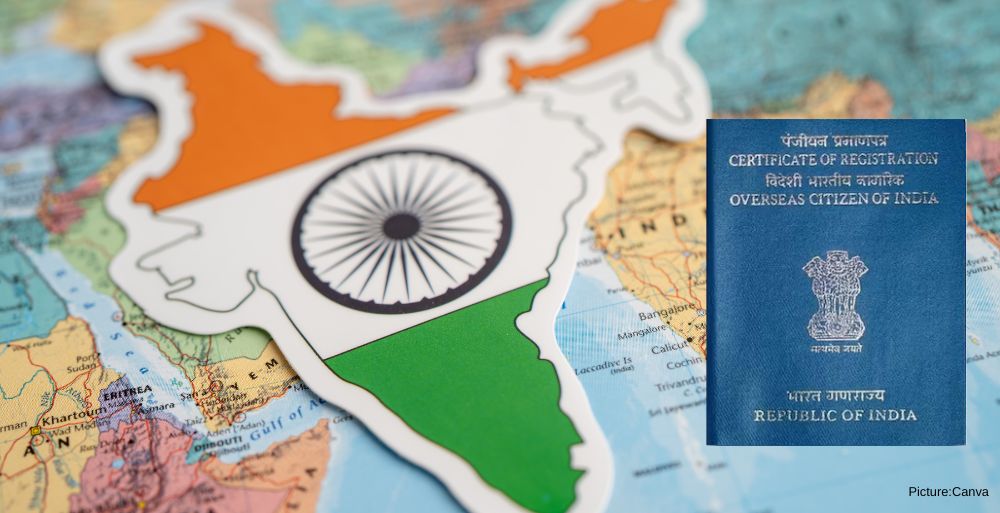
The Government of India has introduced the e-OCI (Electronic Overseas Citizen of India) Card, enabling Overseas Citizen of India (OCI) cardholders to access a digital version of their OCI document through the official OCI Services Portal.
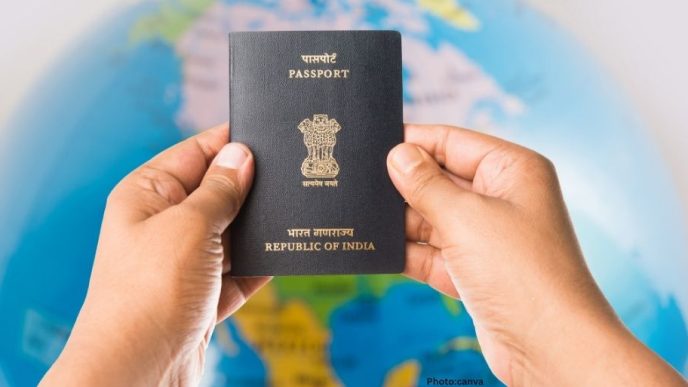
The new digital facility allows existing OCI cardholders to download and store their e-OCI Card on their mobile phones for presentation at immigration checkpoints and to airlines during travel. Officials have clarified that the existing physical OCI booklet will continue to remain valid.
To obtain the digital card, existing OCI cardholders must log in to the OCI Services Portal using their registered credentials. After signing in, users can access the e-OCI section on their dashboard, generate the digital card, and download it for future use.
Applicants who have not yet registered on the portal must first complete the registration process using the email address associated with their OCI application.
The launch is intended to provide greater convenience for OCI cardholders by reducing the need to carry the physical booklet during travel while offering a secure digital alternative.
Officials have encouraged eligible OCI cardholders to download the e-OCI Card and keep it readily available on their mobile devices for use during international travel.
How to Download the e-OCI Card
- Log in to the OCI Services Portal using your existing User ID and password.OCI Services
- If you are not registered, complete the registration process using the email address linked to your OCI application.
- Select the e-OCI tab from the dashboard.
- Click Generate e-OCI Card beside your application details.
- Download and save the generated e-OCI Card to your mobile device.
The government has stated that while the digital version can be presented during travel, the physical OCI Card remains valid and does not need to be replaced.