



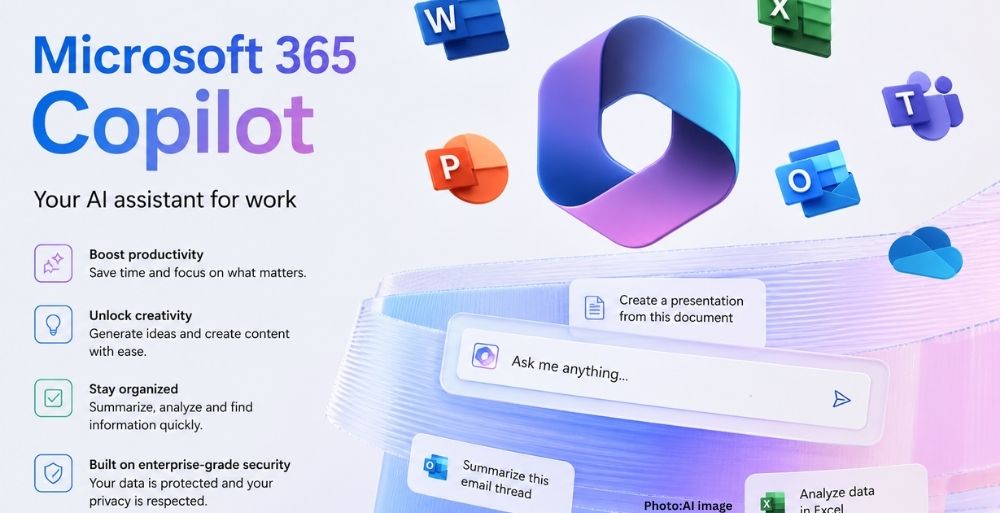
Microsoft has confirmed its decision to automatically install the Microsoft 365 Copilot application on eligible Windows 11 devices within the next 30 days, despite previous concerns regarding forced installations.
Microsoft Corporation has announced plans to automatically deploy the Microsoft 365 Copilot application on selected Windows 11 devices equipped with Microsoft 365 desktop applications. This update, reflected in a recent communication via the company’s admin portal, outlines a rollout scheduled to take place between mid-June and mid-July 2023. Administrators will have the option to “opt out” of this automatic installation if they prefer not to have the app appear on devices in their organizations.
This decision to implement automatic installations follows a period of public scrutiny regarding Microsoft’s approach to software updates. Previously, the company faced backlash from users and technology commentators concerning its aggressive integration of AI features into its suite of products. While Microsoft appeared to soften its stance in response to this criticism, the latest announcement indicates a return to its earlier practices of embedding new functionalities without explicit user consent.
Details of the Rollout
According to Microsoft, the Copilot app will be enabled by default for eligible devices, meaning users will notice its availability without requiring any additional action from them. However, it is noteworthy that users located in the European Economic Area (EEA) will not undergo these changes, as the region has been exempted from the rollout.
In an updated document highlighted by Windows Latest, Microsoft noted, “Starting June 2026, we will resume the automatic installation of the Microsoft 365 Copilot app to eligible devices with the Microsoft 365 desktop apps.” This change is positioned as a means to simplify access to Copilot and enhance user engagement with productivity-boosting features.
Understanding the Installation Process
The automatic installation of the Microsoft 365 Copilot app will not utilize the Windows Store; instead, it will rely on the built-in Microsoft 365 Apps updater associated with Office applications. Users may have already observed the reintroduction of Copilot components, such as buttons and features, across various Office applications including Word, Excel, PowerPoint, and Outlook, as part of recent updates.
Despite the ongoing integration of AI functionalities, many users have expressed concerns regarding the complexity of managing these features. For individuals attempting to disable Copilot functionalities, navigating through application settings or employing technical methods such as registry edits can prove challenging and unreliable.
Options for Users
For those looking to manage or disable Copilot features, there are several options available, albeit with varying degrees of effectiveness:
- Remove Copilot from Select Office Apps: Users can disable Copilot on an application-by-application basis by navigating to the options menu within each app. For instance, in Word or Excel, users can uncheck the “Enable Copilot” option under the settings menu.
- Change Privacy Settings: Users can adjust their privacy settings to block Copilot features by accessing the account privacy settings within the Office applications. While this will disable certain AI-powered functionalities, it may also affect other features.
- Hide Copilot from the Ribbon: Users have the option to customize the Ribbon menu in any Office app to hide Copilot-related features, although this action will not completely eliminate AI functionalities from the applications.
- Restore Classic Microsoft 365 Subscription: In some cases, users may have the opportunity to revert to a classic subscription plan devoid of Copilot features, though availability may differ by region.
For organizations managing multiple devices, administrators can utilize Group Policy settings to block connected experiences that power Copilot functionalities. However, these methods are more complex and may not provide an optimal solution for all users.
Implications and Future Outlook
The automatic installation of Microsoft 365 Copilot represents a significant development in Microsoft’s ongoing strategy to embed AI into its product offerings. This approach is in line with broader industry trends where technology companies are increasingly incorporating AI functionalities into everyday software applications. As firms like Microsoft continue to innovate, the balance between user autonomy and technological advancement remains a critical topic among consumers, technology experts, and industry analysts.
While Microsoft has committed to providing administrators with the option to opt out, the reception of these changes will likely depend on user experiences as the rollout progresses. The company’s efforts to enhance productivity through AI integration may elicit further scrutiny regarding user consent and software management practices in the future.
In conclusion, this decision by Microsoft to automatically install the Copilot app reflects a broader trend within the technology industry towards more aggressive integration of AI features. As these developments unfold, the implications for user privacy and software control will be closely observed by stakeholders across the board.