


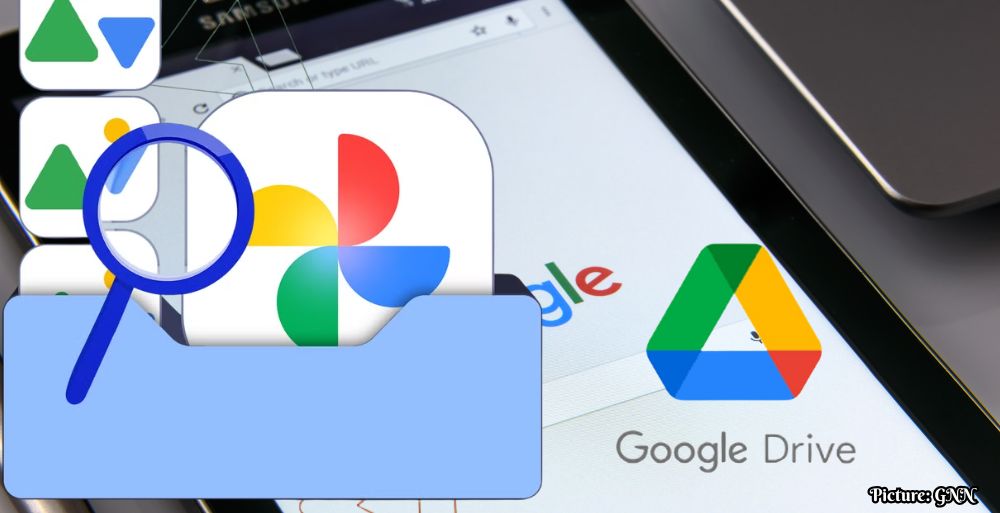
Google Drive will cease support for photo backups to Google Photos on August 10, 2026, necessitating a transition to the Google Photos app for users wishing to maintain automatic uploads of their photos.
In a significant update for users of its cloud storage services, Google announced that the desktop version of Google Drive will no longer support automatic backups of photos to Google Photos beginning August 10, 2026. This decision marks a pivotal change in how users manage their cloud-based photo libraries, as the integration between Google Drive and Google Photos will be restructured, requiring users to adapt their current workflows.
For many years, the Google Drive desktop application has allowed users to seamlessly sync files, including photos, directly to Google Photos. This integration enabled users to back up their images effortlessly without needing to manage multiple applications. However, since June 15, 2026, Google has been notifying users about this transition, emphasizing that new backup folders can no longer be created using the desktop app. As the deadline approaches, users are encouraged to make the necessary adjustments to ensure their photo collections remain secure.
Understanding the Implications of the Change
The discontinuation of the automatic backup feature is set to alter the landscape of digital photo management significantly. Presently, any existing sync folders will continue to operate until the cutoff date. However, once the change takes effect on August 10, the automatic connection between Google Drive desktop and Google Photos will be terminated, meaning that any new photos added to local folders will not be uploaded to the cloud unless users take proactive measures to adapt their settings.
To maintain a continuous backup of their local photo libraries, users must switch to the Google Photos app or manually adjust their backup settings within that platform. The failure to do so could lead to the risk of losing valuable memories, as local photo folders will no longer receive automatic uploads to the cloud. This potential disruption in service has raised concerns among users who have relied on Google Drive as a digital archive for their life events, ranging from family milestones to casual snapshots of daily life.
As many users navigate this impending change, the emotional weight of transitioning from a familiar system to a new one cannot be understated. For instance, a user might reflect on a decade’s worth of memories stored in Google Drive—ranging from vacations to major life events—making the task of switching systems feel particularly daunting. However, it is important to note that all previously backed-up images in Google Photos will remain intact and accessible, alleviating concerns regarding data loss during this transition.
Steps to Transition to Google Photos
To ensure that their photographs remain safe and automatically backed up, users are advised to take several specific steps ahead of the August 10 deadline:
- Open Google Photos: Users should log into the Google Photos application either via the web or mobile device to verify their current backup settings and folders.
- Set Up Backup Folders: Instead of relying on the Google Drive desktop app, users should establish their backup folders directly within the Google Photos settings. This will ensure that their photos continue to be uploaded automatically.
- Avoid Storage Overlap: Caution is advised when syncing folders. If a folder is synced with both Google Drive and Google Photos, users may inadvertently create duplicate files, which could consume significantly more storage space on their Google One accounts—potentially leading to increased costs.
By reviewing and updating their Google Drive backup settings, users can take proactive steps to protect their photos before the August 10 deadline. This adjustment process, while challenging, will enable users to continue protecting their digital memories without interruption.
The Broader Context of Cloud Storage Changes
This transition reflects the broader evolution of cloud storage services and highlights the need for users to remain adaptable in the face of technological changes. Cloud storage platforms have become essential for digital organization and preservation, particularly in a time when more individuals rely on digital devices to capture and store their personal histories.
The move to decouple Google Drive and Google Photos also suggests a strategic shift by Google to encourage users to engage more with the dedicated Google Photos app, which offers a variety of features specifically tailored for photo management, including advanced editing tools, enhanced organization features, and improved sharing capabilities. While this change may initially disrupt long-standing user habits, it may ultimately lead to a more streamlined and efficient approach to photo storage and management.
In conclusion, as Google Drive prepares to phase out photo backups to Google Photos, users must take the initiative to adapt to this change. By familiarizing themselves with the Google Photos app and its functionalities, they can ensure a smooth transition and continue to safeguard their personal photo collections effectively. The upcoming deadline serves as a critical reminder of the importance of digital literacy in an increasingly cloud-based world.